
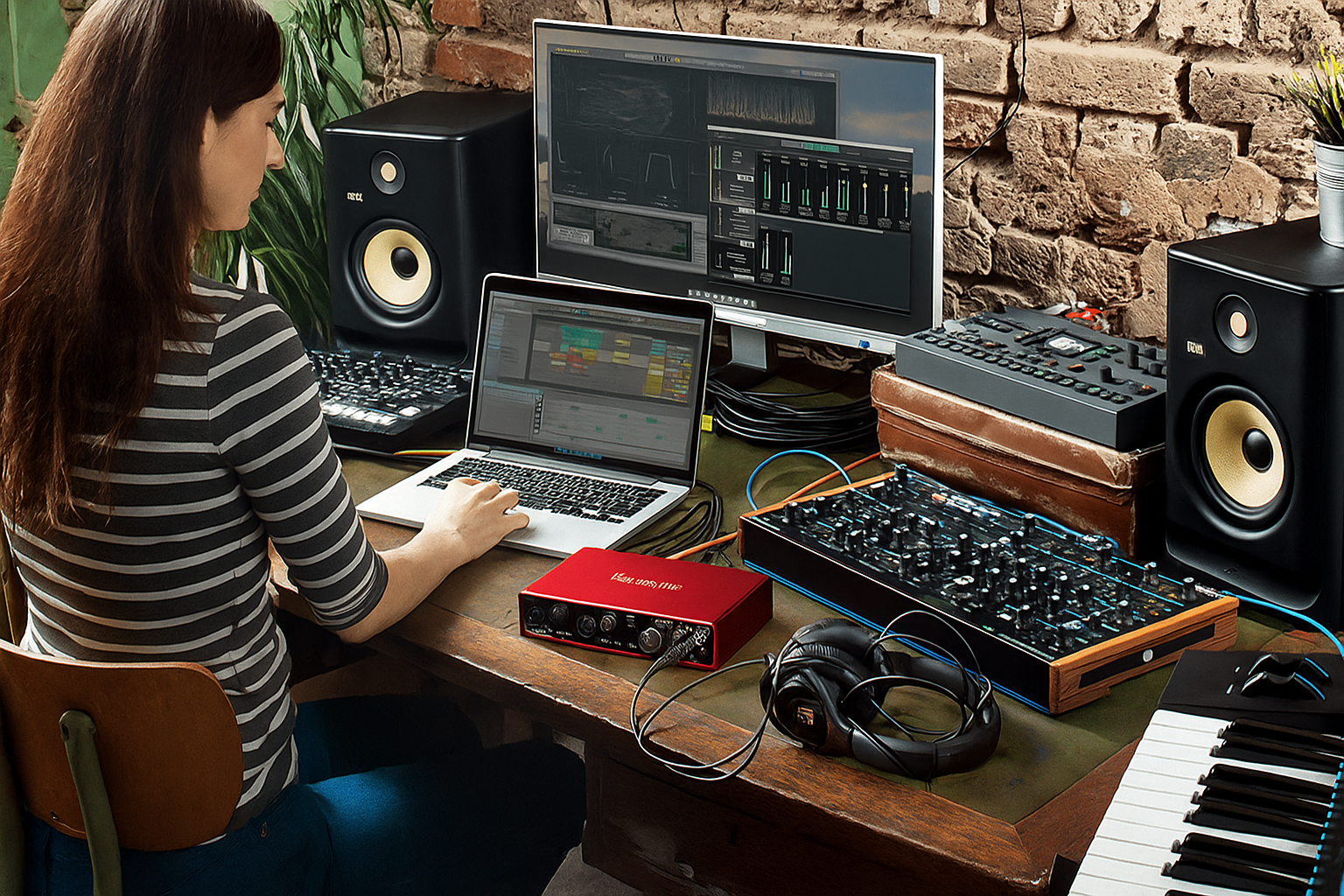
Let’s get real: gear doesn’t make music, you do. And you can easily build your dream home studio on a budget.
Having the right tools can make your ideas sound cleaner, more professional, and a lot more fun to work on.
The good news? In 2025, high-quality recording gear is more affordable than ever.
You can build a serious home studio setup for less than the cost of a new smartphone.
This guide breaks down exactly what you need (and what you don’t) to start producing, recording, and mixing with confidence, even on a tight budget.
Your computer: the studio brain
Your computer is the engine of your studio. Every plugin, every render, every take depends on it.
While laptops are popular, we still recommend desktop computers for music production because they’re more powerful, quieter, and easier to upgrade.
The Holy trinity: CPU, RAM & storage
When buying or upgrading your studio computer, focus on the three specs that matter most:
- CPU (processor): look for Apple M1/M2, Intel i5/i7, or AMD Ryzen 5/7.
These chips can easily handle dozens of tracks and plugins. A strong CPU means faster mixing, exporting, and fewer crashes. - RAM: minimum 16 GB, or 8 GB unified memory on Apple Silicon Macs (since they manage memory more efficiently).
More RAM means smoother playback, especially if you use large sample libraries or orchestral plugins. - Storage: always go for SSD (solid-state drive) storage. It’s faster, silent, and far more reliable than HDDs.
At least 512 GB is recommended, with an external SSD for backups or large sample packs.
Tip: quiet operation is key if you record vocals or acoustic instruments in the same room. Choose a low-noise machine or an Apple desktop with silent cooling.
Best computers for music production in 2025
Category | Model | Why It’s Great |
|---|---|---|
Best overall | Apple Mac Mini M2 | Compact, ultra-quiet, and powerful — MusicRadar’s 2025 top pick. |
Best budget | Geekom Mini PC GT13 | 13th-gen Intel i7, 32 GB RAM, 1 TB SSD under $700 — unbeatable value. |
Best Windows PC | Dell XPS 8940 | Stable, upgradeable, and built for large DAW sessions. |
Best all-in-one | Apple iMac M1 | Gorgeous 5K display, perfect for Logic Pro X users. |
Best pro option | Apple Mac Studio (M2 Ultra) | Handles hundreds of tracks with ease — ideal for film scoring and advanced production. |
Your DAW: the creative hub
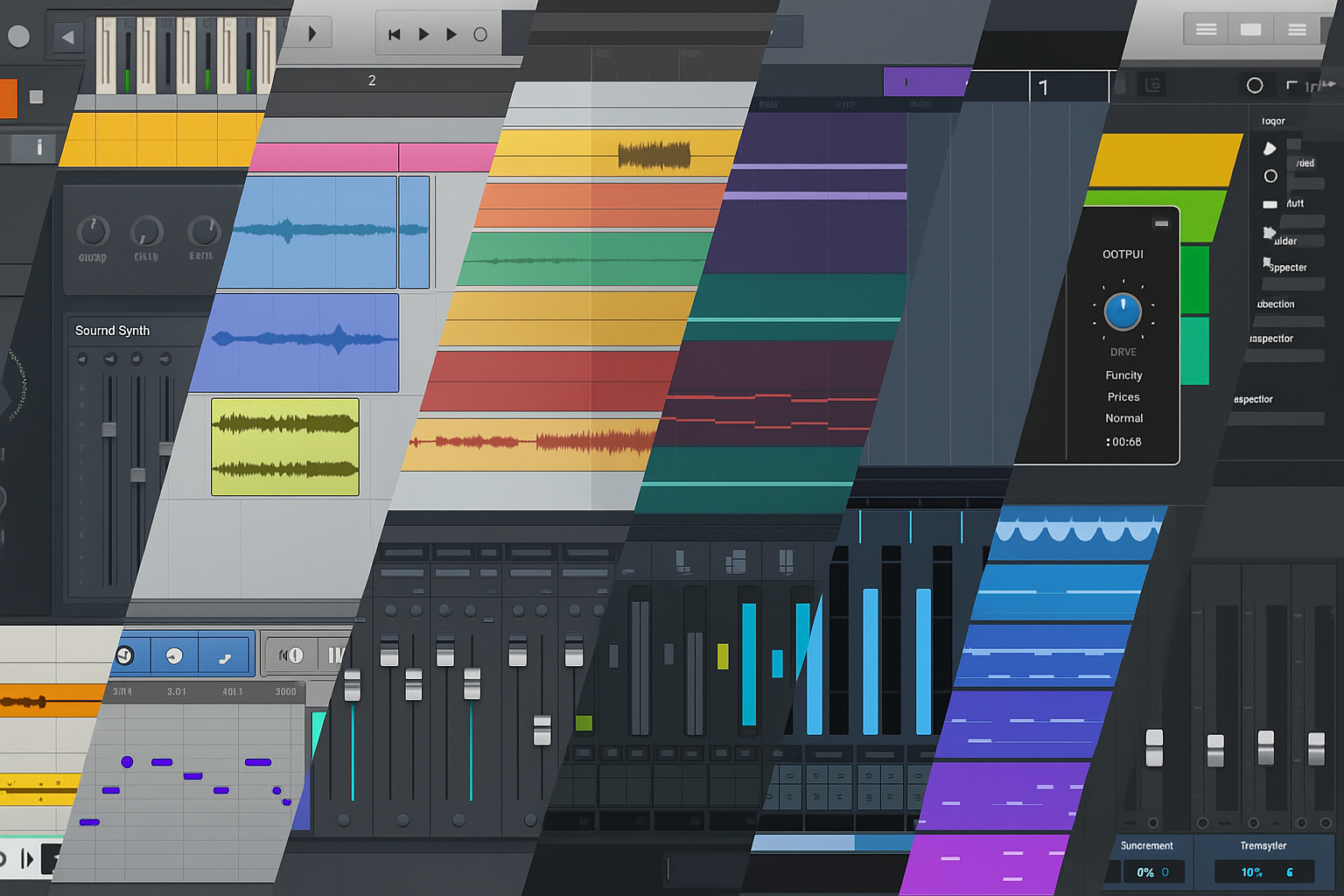
Your DAW (Digital Audio Workstation) is where everything happens: recording, editing, mixing, and mastering.
The “best” one depends on how you like to create.
DAW | Best For | Why Use It |
|---|---|---|
FL Studio | Beatmakers & beginners | Fast pattern editing, intuitive workflow |
Ableton Live | Electronic & performance artists | Loop-based, perfect for live sets |
Studio One | Songwriters & all-rounders | Great stock plugins, clean interface |
Cubase | Composers & sound designers | Deep MIDI & scoring tools |
Logic Pro | Mac users | Pro instruments, seamless Apple integration |
Try demo versions before buying. You’ll quickly feel which one matches your workflow best.
👉 Related: Which DAW Should You Use for Music Production?
Audio interface: your connection to sound
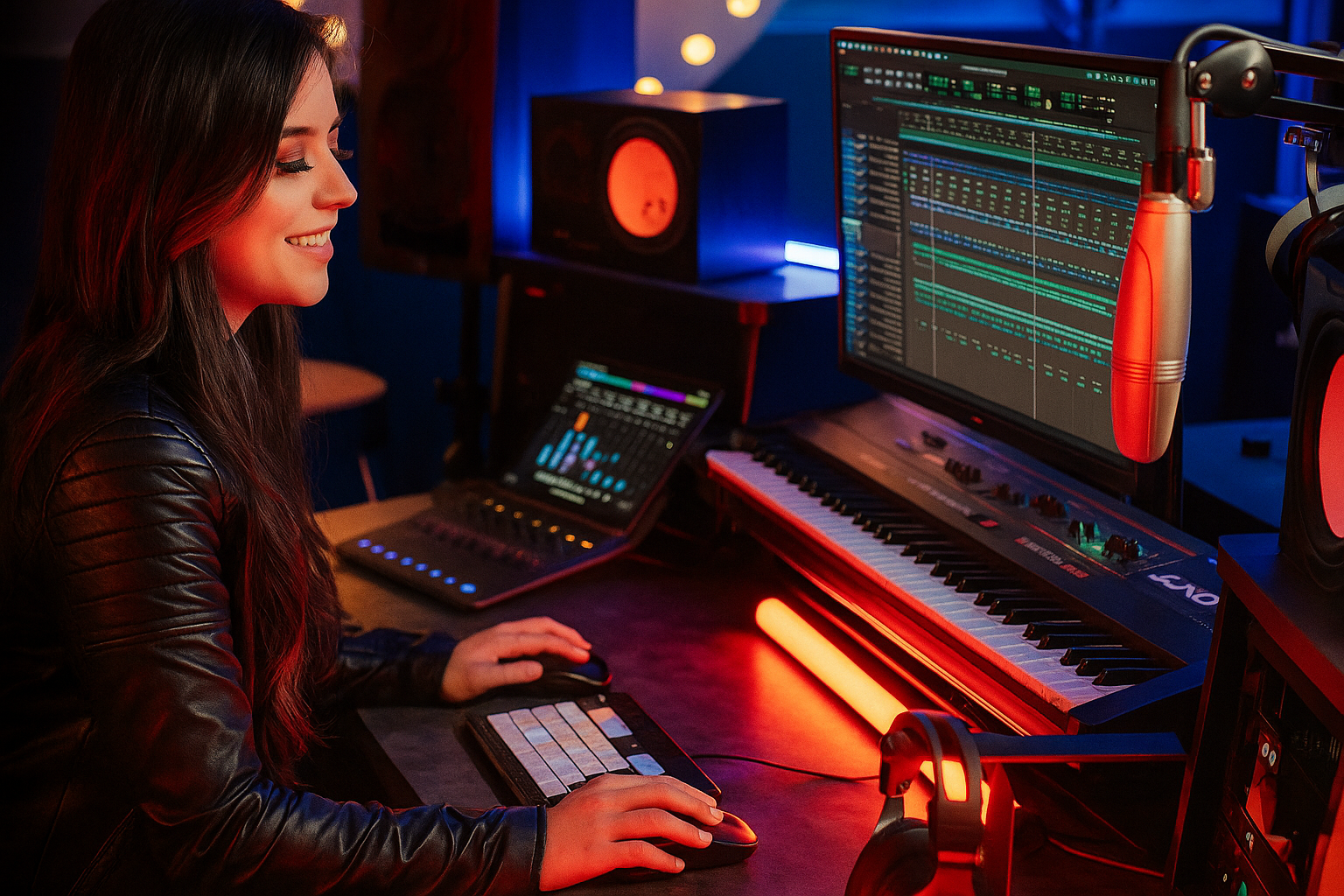
This is your bridge between instruments, microphones, and your DAW.
Top picks for 2025:
- Focusrite Scarlett Solo (4th Gen): reliable, plug-and-play, clean preamps.
- PreSonus Studio 24c: adds MIDI I/O and clear metering.
- RME Babyface Pro FS: pro-grade converters and ultra-low latency.
👉 More details in: Which Audio Interface Should You Choose for Your Studio Setup?
Headphones & monitors: hear what’s really happening
If your monitoring isn’t accurate, your mix won’t translate.
Budget headphones (neutral & durable):
- Audio-Technica ATH-M40x
- AKG K240 Studio
- Beyerdynamic DT-770 Pro
Entry-level monitors:
- Yamaha HS5
- KRK Rokit 5 G4
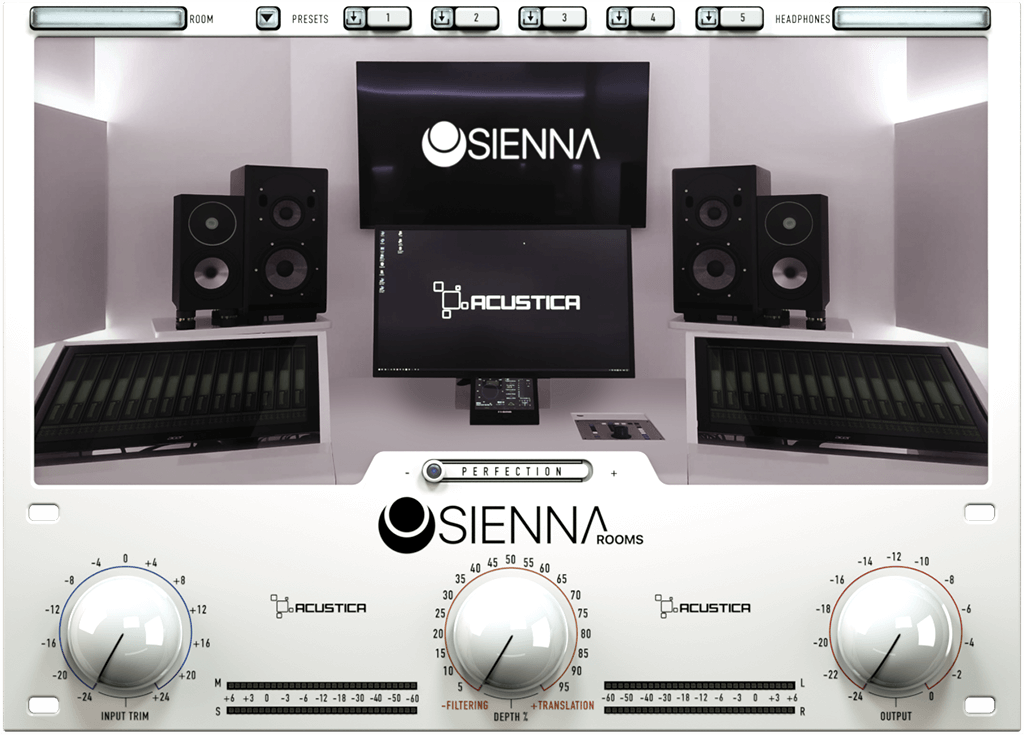
The fastest budget win is a solid pair of neutral studio headphones, then make them behave like you’re sitting in a world-class control room using the Sienna plugin.
Why Sienna changes the game
Sienna emulates the acoustics of famous studios and listening spaces, and includes calibrated profiles for +100 headphone models. Result: you can mix in the box and still hear your balances, low-end, and stereo image as if you were in the exact room you choose, no expensive acoustic build-out required.
Microphones: capture it right
Even inexpensive mics can sound professional if used correctly.
Trusted choices:
- Audio-Technica AT2020 – crisp, balanced tone under $100
- RØDE NT1-A – warm, ultra-low noise
- Shure SM57 – versatile classic
👉 See also: The 10 Best Vocal Microphones for Every Producer and Budget
MIDI keyboards & controllers
They’re not essential, but they’ll speed up your creative process.

Top beginner options:
Even 25 keys are enough to explore chords, melodies, and automation.
Acoustic treatment
Your room is part of your sound. Add simple treatment to improve accuracy:
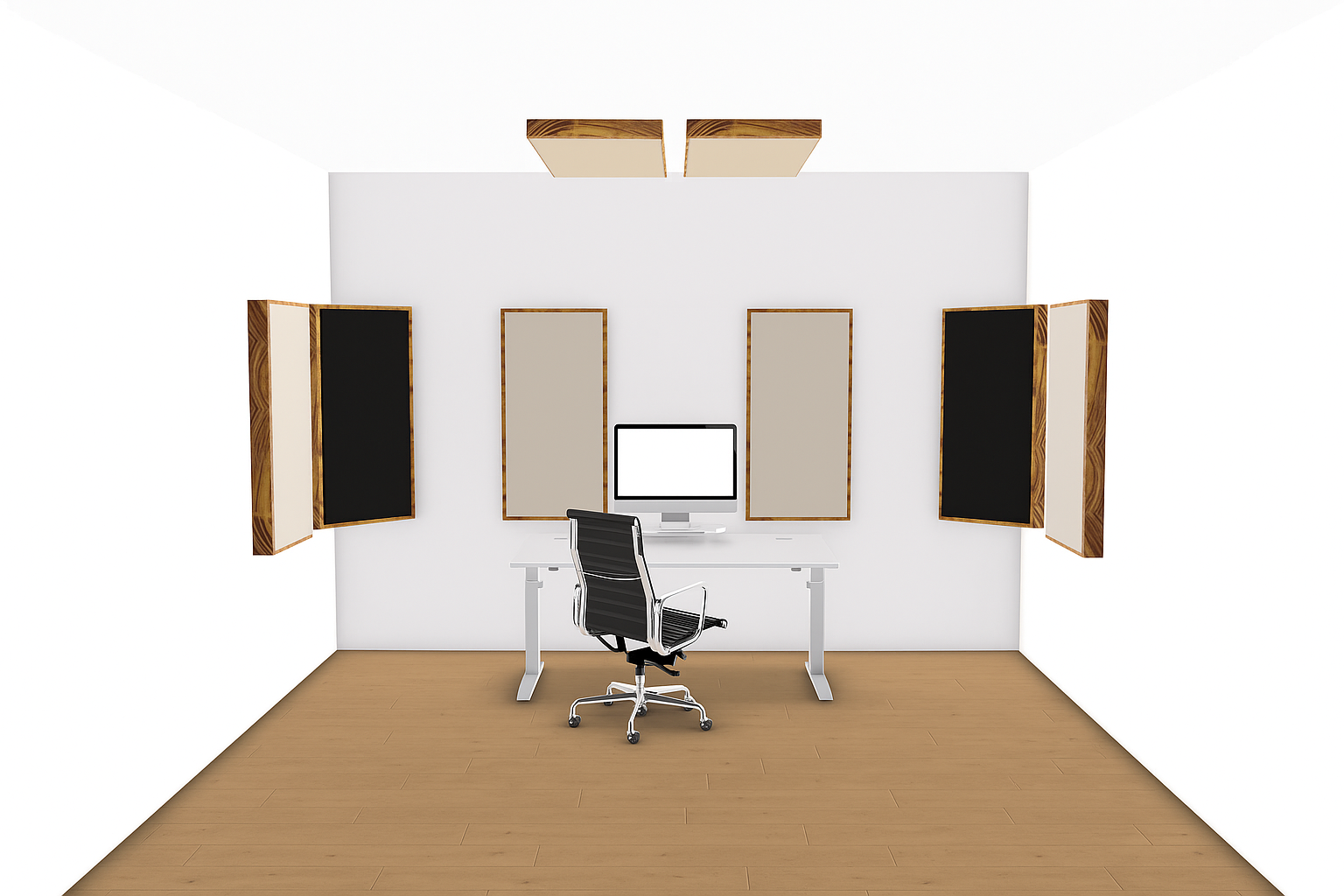
- 6–8 foam panels behind monitors
- 2–4 corner bass traps
- A rug and curtains for diffusion
Position monitors symmetrically, away from walls. It’s a free acoustic upgrade.
Software & plugins
You don’t need expensive plugins to sound good. Start with your DAW’s built-ins and add a few free essentials.
Some of the best free tools in 2025 come straight from Acustica Audio, the same company behind Sienna, known for recreating analog sound with breathtaking realism through its proprietary CORE technology.
These plugins don’t just emulate analog gear, they behave like it.
They add depth, warmth, and dimension to your mix instantly, giving even beginners a pro edge.
Here are four must-have free plugins from Acustica Audio you should download today 👇
🔥 Fire The Gold
The authentic “golden” British sound in one knob.
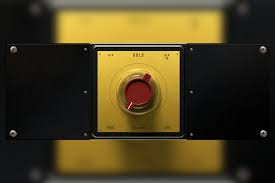
This single-control plugin distills the tone of classic British consoles into a simple, elegant interface. Turn it up for warmth, richness, and that instantly recognizable analog shimmer that makes everything sound expensive.
Try it on vocals, guitars, or your mix bus for instant vibe and cohesion.
☕ Coffee The Pun
The creamy Germanium flavor your mix didn’t know it needed.
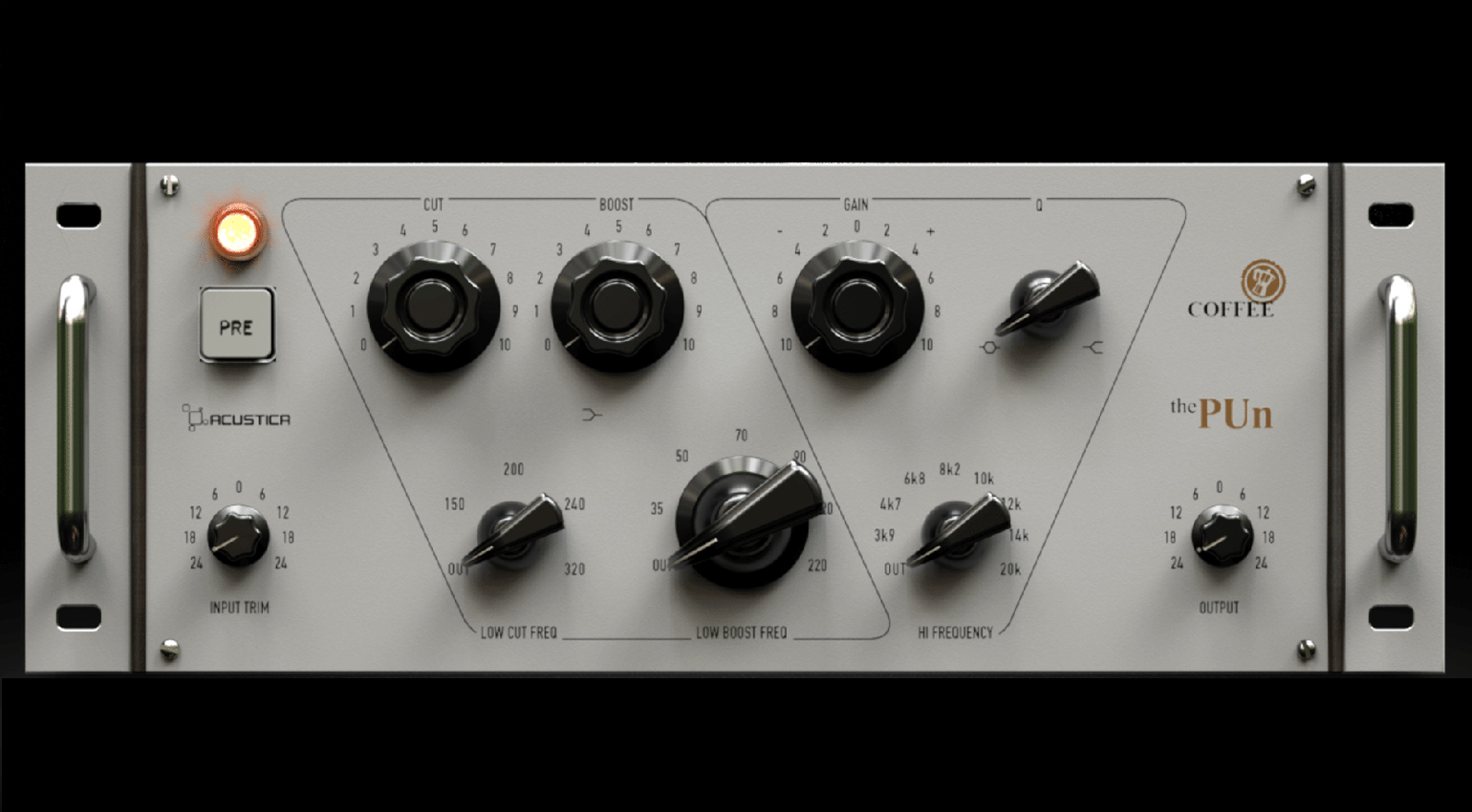
Coffee The Pun captures the tone of vintage Class-A germanium preamps: smooth, musical, and full of color. It’s perfect for adding organic warmth and character to digital recordings that feel a little sterile.
Use it early in your chain to add subtle harmonic texture to vocals, synths, or drums.
💎 Eminence
A “creamy” channel strip with true old-school mojo.

Eminence gives you EQ, compression, and tone-shaping tools inspired by legendary analog gear. It adds that silky presence and dynamic smoothness that glues your mix together, without ever sounding harsh.
Insert it on your mix bus or instrument groups for a polished, analog-style finish.
Workflow & mindset
A tidy workflow makes better music.
- Save DAW templates for quick starts.
- Organize tracks and folders clearly.
- Finish projects, even imperfect ones teach you more.
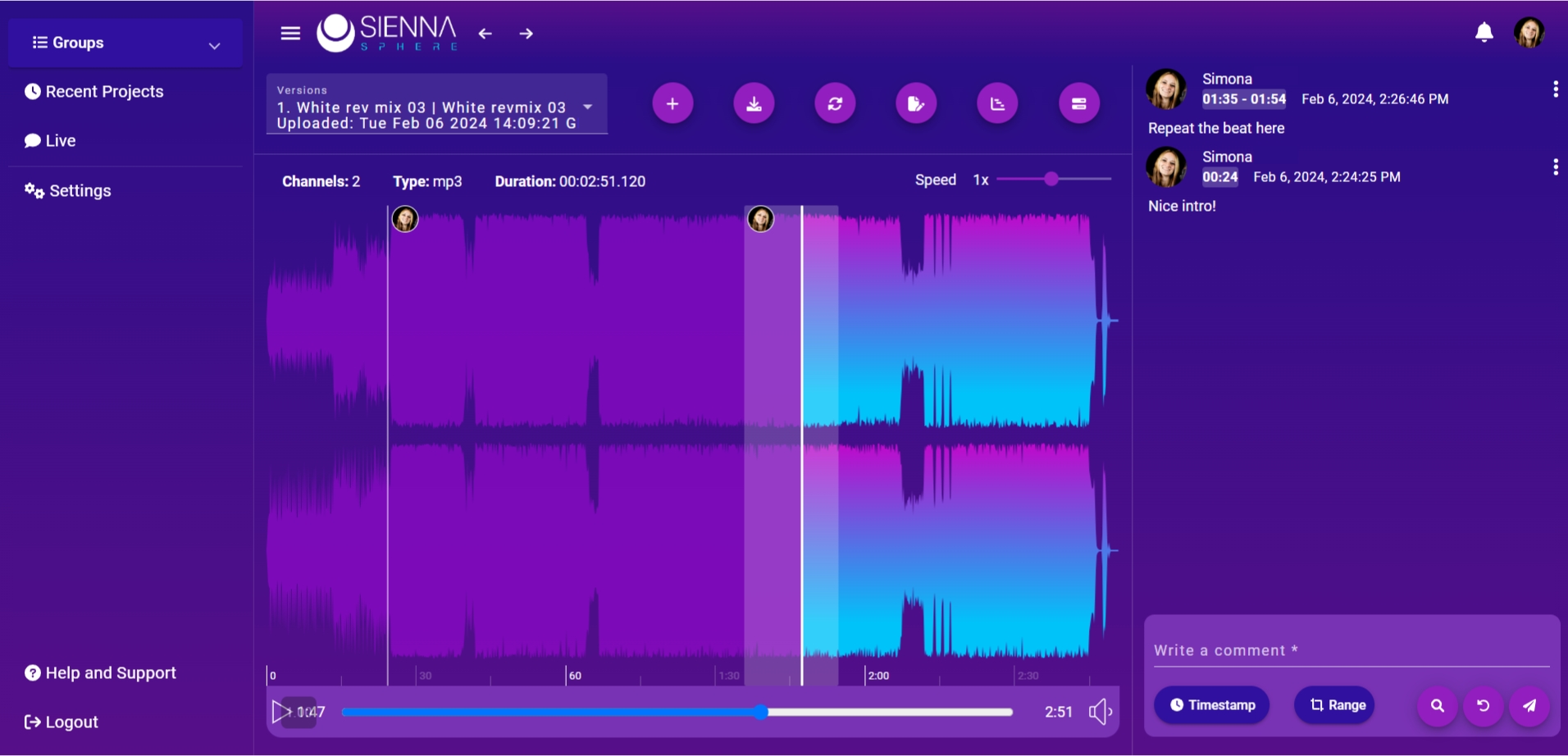
Use Sienna Sphere webapp to keep your sessions organized, share mixes, A/B test tracks, and host ultra-high-quality audio calls with collaborators, all in one platform.
Final thoughts
The perfect studio doesn’t exist, but the perfect time to start does.
Now.
You don’t need racks of hardware or dozens of plugins.
You need consistency, curiosity, and the courage to hit record.
Because in 2025, the real upgrade isn’t your gear.
It’s you.
